

Custom WordPress designs should reflect how a business works and what its visitors need. A distinctive color palette can help establish a brand, but useful page structure, clear content, and maintainable features matter just as much.
At MWD Web Design, a custom project provides an opportunity to connect those decisions with your goals. This guide explains the design priorities to discuss, the evidence to review, and the practical checks that make a project easier to evaluate.
Connect custom WordPress designs with business needs
First, define the people the website serves. List the questions they bring and the actions they need to take. A visitor comparing services needs a different page from someone returning to find a support contact.
Then identify the site’s essential content. Service details, contact information, product specifications, and policies should shape the layout. Avoid choosing a visual pattern before you know what it needs to communicate.
Write these priorities into the project brief. Include the main visitor tasks, important pages, required integrations, and responsibilities for content. This gives design feedback a clear reference point.
Use custom design to express your brand clearly
Consistent type, colors, images, and wording can make pages feel connected. However, brand choices also need to support reading and navigation. Check whether text remains readable and whether a button looks like a control.
For custom WordPress designs, review real page examples rather than a logo and color board alone. A service description, long heading, and contact form can reveal needs that a polished homepage does not show.
Also decide which patterns should repeat. Consistent headings, buttons, and page sections help visitors recognize what to do next. They can also make routine content editing more predictable for your team.
Test custom designs across screen sizes
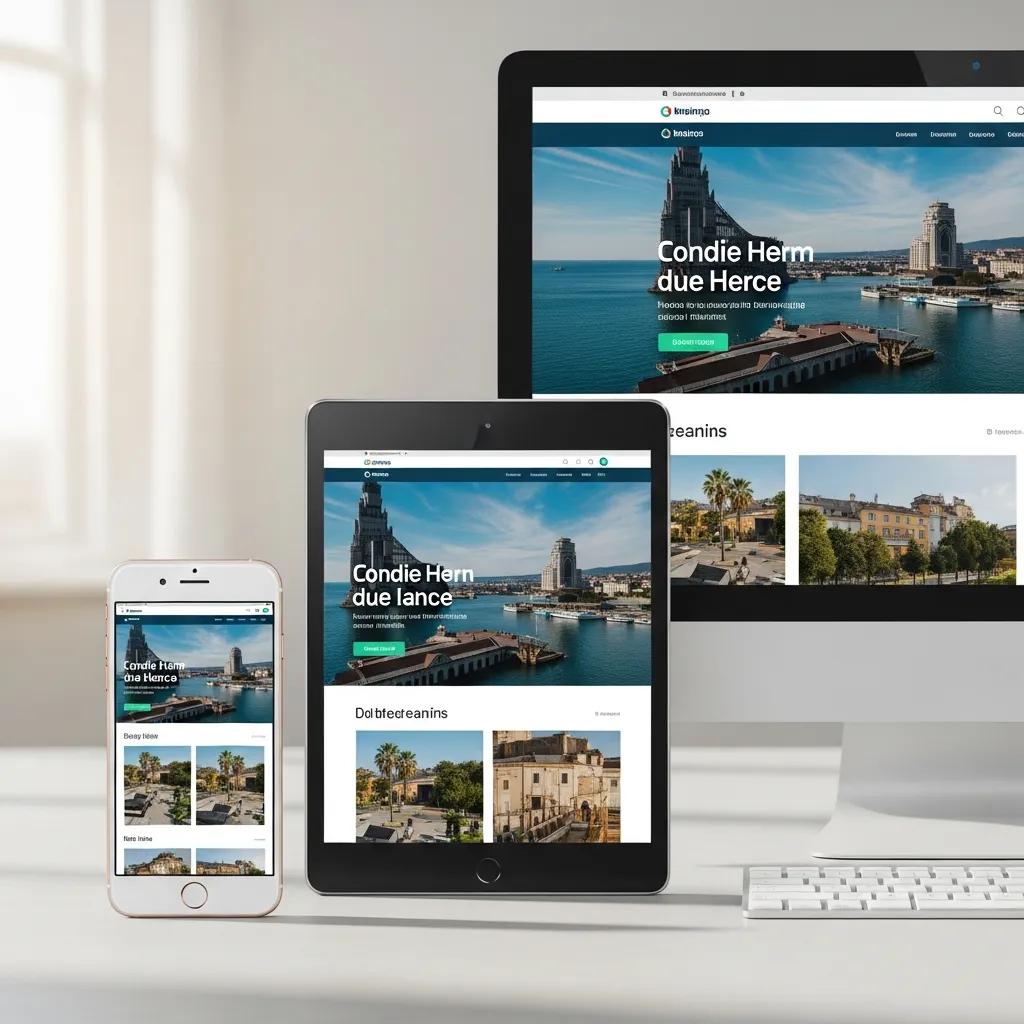
A flexible layout should preserve meaning as the available space changes. Columns may stack and navigation may change form. Essential information should remain understandable and controls should stay reachable.
Next, test important tasks on a phone and a larger screen. Find a service, read its details, and send an inquiry. Check whether a sticky header, popup, or long menu gets in the way.
- Review long headings and page sections.
- Check images and embedded content.
- Use clear labels for links and buttons.
- Test forms with the on-screen keyboard open.
Support content with custom WordPress designs
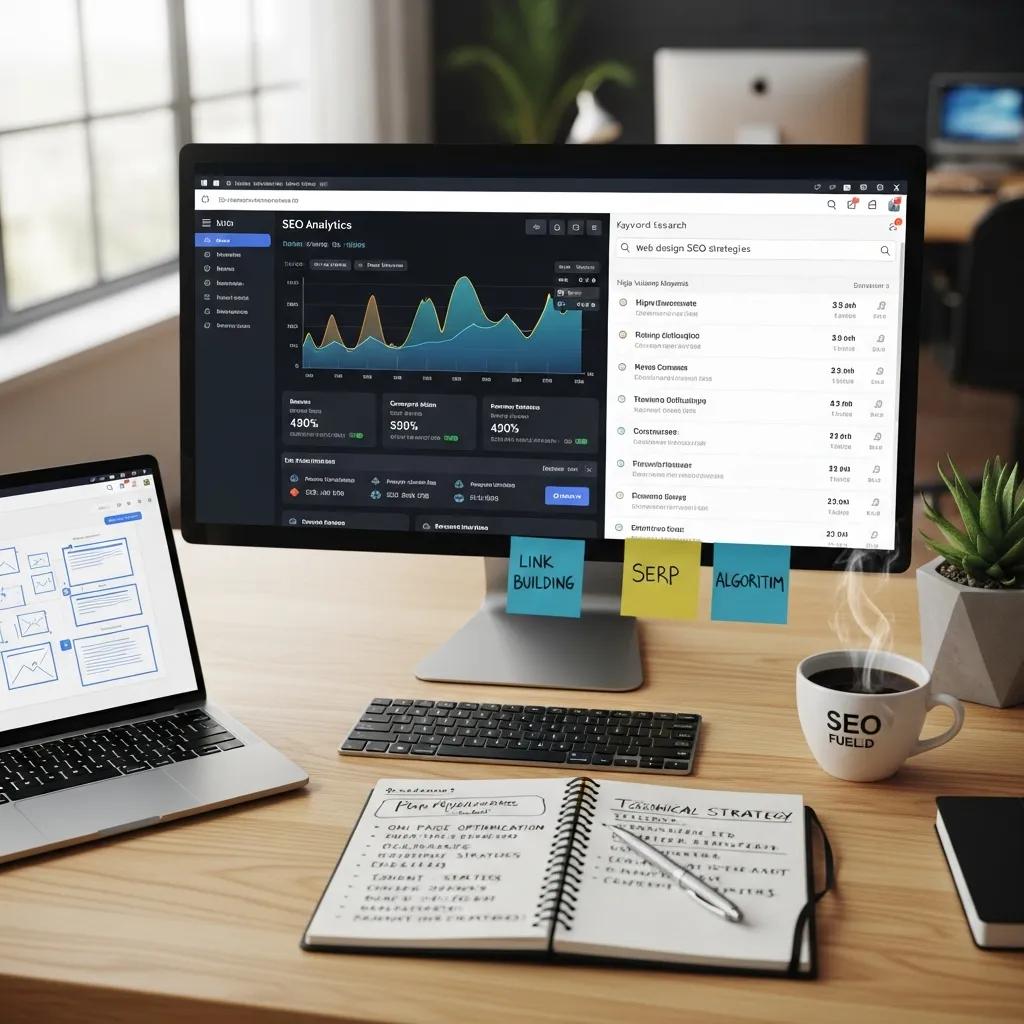
Good content needs a clear structure. Use headings that explain the next section and links that describe their destinations. Put important information close to the action it supports.
As part of custom design, discuss page titles, descriptions, image alt text, and internal links. These should match the actual page and visitor intent. Avoid repeating search phrases where they make the wording less useful.
Design can support discovery and usability, but it cannot guarantee a search position or sales increase. Review performance alongside content quality, traffic sources, and the wider business offer.
Make collaboration practical
Agree on review stages before development begins. Ask which decisions need approval, how feedback will be recorded, and what happens when requirements change. A short written decision can prevent confusion later.
When reviewing custom WordPress designs, describe the problem behind a request. For example, explain that visitors cannot find delivery information rather than asking only to make a section brighter. This gives the team room to propose a useful solution.
Also confirm the scope of testing. Navigation, forms, responsive layouts, keyboard access, and loading behavior need clear responsibilities. A list of acceptance tasks makes the final review easier to assess.
Plan maintenance and content editing
Custom designs should remain useful after launch. Ask how your team will update common content and which changes need development help. Request a demonstration using the pages you will edit most often.
Then clarify hosting, backups, updates, licenses, and support. Confirm what the project includes and which services require a separate arrangement. Keep account ownership and handover expectations clear.
For platform reference, use WordPress documentation. Keep site-specific instructions alongside it so future editors understand the theme, plugins, and content patterns they use.
Prepare a useful design review
Before a review meeting, gather the materials that explain your business. Include your current service descriptions, common customer questions, and examples of pages that create confusion. These give the team useful context without turning another website into a template to copy.
Next, nominate someone to combine feedback from your team. Conflicting requests can make custom designs difficult to assess. Record the reason for each requested change and identify which decisions affect launch requirements.
Review content and behavior together. Read a page from its heading through its final action, then try the relevant task. If someone cannot understand a service or submit a form, a visual approval alone does not resolve the problem.
Also agree on the handover materials before launch. A short guide should explain routine edits, support contacts, and any sections that need special care. Ask who will review the site when new content introduces a longer heading or another page section.
Finally, keep a small list of later improvements. Separate a launch-blocking issue from an optional idea so the team can finish essential work clearly. Keep an owner and a review date for each item. Revisit the list with actual visitor feedback rather than treating every suggestion as equally urgent.
Judge value with evidence
When discussing custom WordPress designs, ask to review relevant examples and the reasoning behind them. If a case study claims improvement, ask how it was measured. Specific evidence is more useful than a broad promise of better results.
Finally, connect the site with your ongoing content and marketing plan. Track useful inquiries, errors, and visitor feedback after launch. Explore our digital marketing services to discuss how website priorities can support your business goals.
