
Shopify theme design should solve a clear shopping problem
Shopify theme design affects how customers browse collections, compare products, and use the cart. A professional project should connect visual choices with those tasks. However, a new theme does not guarantee a sales increase. Start with the problems you can observe and decide how you will test the proposed solution.
First, list the pages that matter most to your store. Then note where shoppers need more information or clearer controls. For example, a product may need a better size guide, while a collection may need simpler filters. This gives the designer a useful brief.
Define the scope of Shopify theme design
Agree on the work before the project begins. First, identify the templates, sections, and content that need attention. Then decide whether an existing theme can support the requirements or whether custom work is necessary. Avoid paying for a custom component when a suitable existing option meets the need.
Also assign responsibility for product copy, photos, and policies. For example, a designer cannot verify a product’s materials without accurate information from your team. Provide real content early so the layout can accommodate it. Finally, confirm who will review and approve each stage.
A clear Shopify theme design scope should include testing and handover. Ask what the team will test, how it will record defects, and who will repair them. These details help you compare proposals on the same basis.
Make product layouts easier to understand
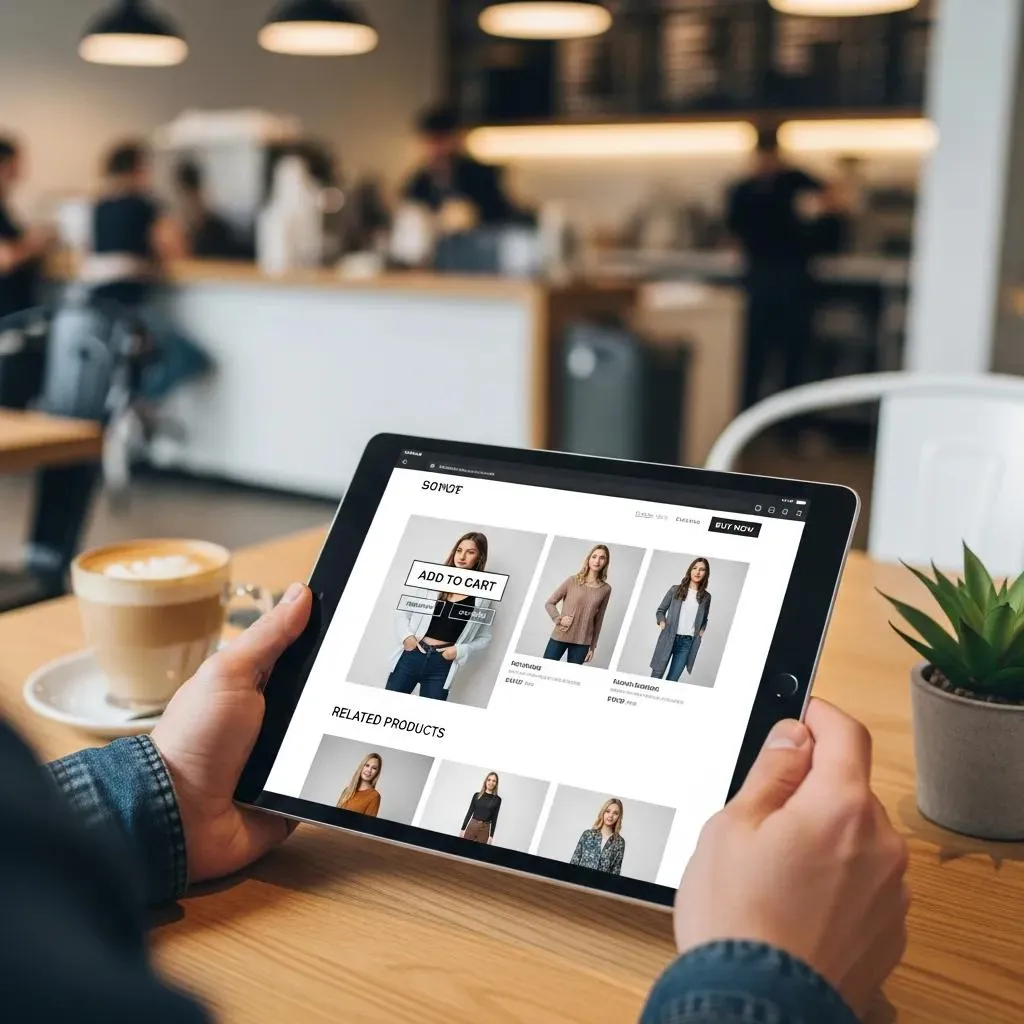
Keep the product name, price, options, and purchase action clear. First, review the page with a product that has several variants. Then check whether shoppers can tell which option they selected. Also make delivery and return information easy to locate.
For example, show a useful size guide close to the size choice. Explain what comes in the package when that detail could affect a purchase. Use labels that match your customers’ language. This makes the layout a practical aid to decision-making.
Trust information should also be accurate. Publish reviews you can substantiate and describe policies your business actually follows. Do not add security badges or guarantees simply because they appear persuasive. Clear, reliable information matters more than decorative reassurance.
Review Shopify theme design on a phone

Open the store on a phone and follow a complete shopping path. First, browse a collection and open a product. Then choose an option, add it to the cart, and review the item details. Check that overlays and sticky controls do not hide important information.
Next, try a long product name and several gallery images. A layout that works with sample content may behave differently with your actual catalog. Also test a slow connection when practical. Record the page and steps whenever something fails.
Responsive design helps layouts adapt to different screens, but it does not prove every task works. Therefore, repeat the important checks on a desktop too. Shopify theme design should remain clear across the devices your customers use.
Keep navigation and calls to action predictable
Use familiar menu labels and group products in ways customers understand. First, ask someone to find a product without giving them a direct link. Then watch where they hesitate. For example, an unclear category name may be more important to fix than a banner color.
Also distinguish purchase actions from secondary links. A button should explain what happens when someone selects it. Avoid several competing messages beside the same product. Instead, give each section a clear purpose and a useful next step.
Include keyboard checks in this review. Confirm that focus remains visible and that menus can be opened and closed. In addition, check form labels and error messages. These practical checks support a more usable store.
Control app features and performance
Each extra feature should answer a defined business or customer need. First, list the apps and theme features that affect a page. Then look for overlapping functions or components that no one uses. Ask your developer to assess the impact before removing anything.
For example, a product page may contain several promotional widgets that compete with its main content. Review whether those widgets help a shopper finish a task. Also check images and videos with the people responsible for site performance. Keep useful visual detail while avoiding unnecessary page weight.
Finally, test again after an app or theme update. Record the change date and the affected templates. This gives future Shopify theme design work a clearer starting point if a problem returns.
Measure results without promising a sales uplift
Record a baseline before launch. First, note relevant traffic sources, product views, cart activity, and purchases where your reporting supports them. Then compare similar periods. Account for promotions, stock changes, pricing, and seasonality before attributing a result to design.
Also collect direct observations from shopping tasks. For example, check whether customers can now find a size guide or complete a product selection that previously caused confusion. Those findings can explain why a change deserves further testing. A conversion-rate change alone does not establish its cause.
If you need help connecting the store with your broader marketing plan, review MWD Web Design’s digital marketing services. Ask for specific deliverables and reporting. Finally, keep a prioritized list of remaining issues so improvements continue after handover.
About the author
Patrick Mabarak writes about web design and digital marketing. Learn more at patrickmabarak.com.
