
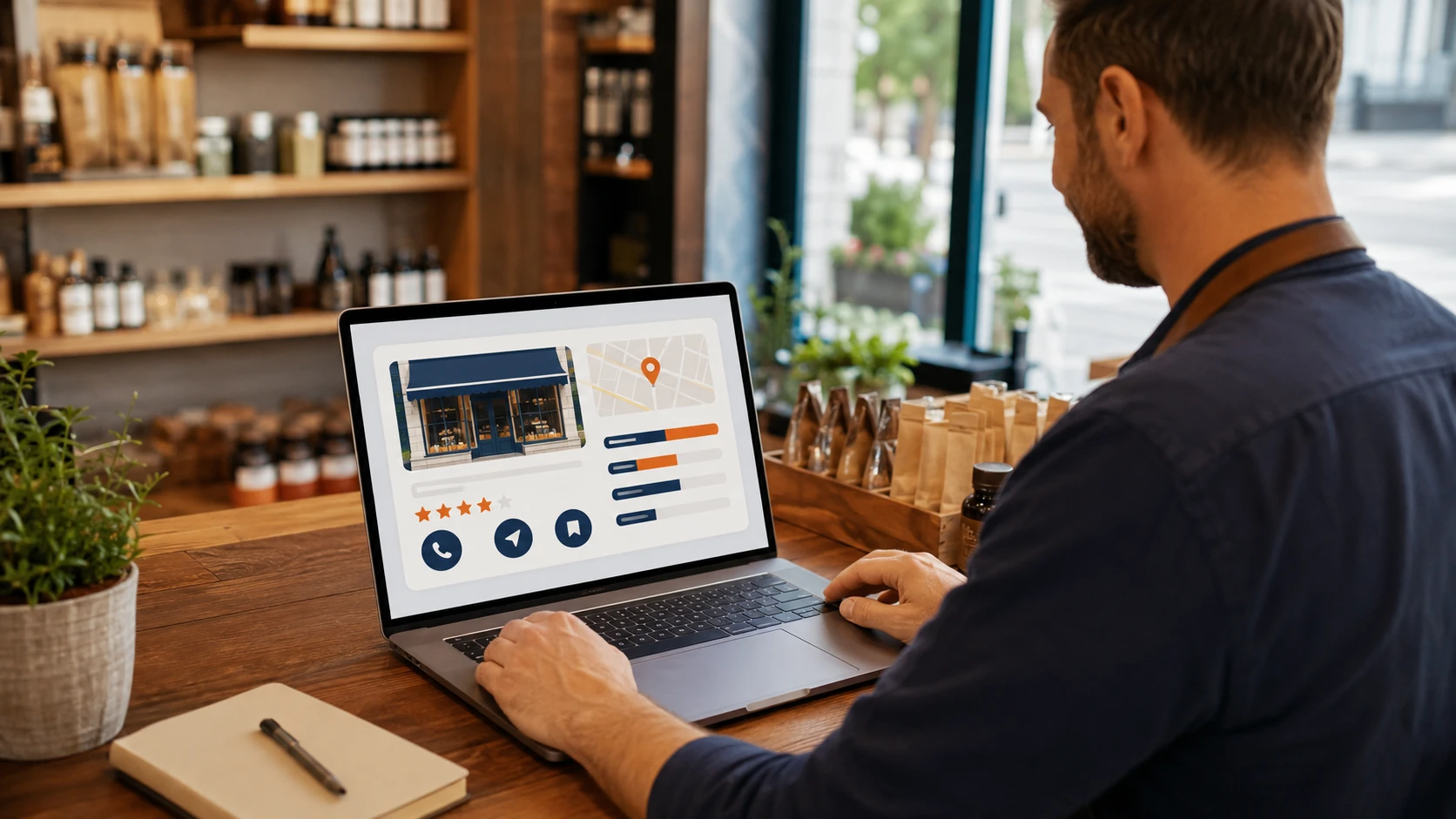
Google Business Profile is often the first place a nearby customer sees a local business. The listing can appear in Google Maps, the local pack, and branded search results before a visitor reaches the website.
Google Business Profile optimization helps the listing communicate accurate information, match relevant local searches, and make it easier for customers to call, request directions, or visit the website.
Claim and Verify the Correct Profile
Claim the listing through the official Google Business Profile process and complete the required verification. Confirm that there is only one eligible profile for each location unless Google guidelines support a separate listing.
Duplicate, suspended, or incorrectly merged profiles can create major visibility problems. Keep ownership under an account the business controls and provide managers only the access they need.
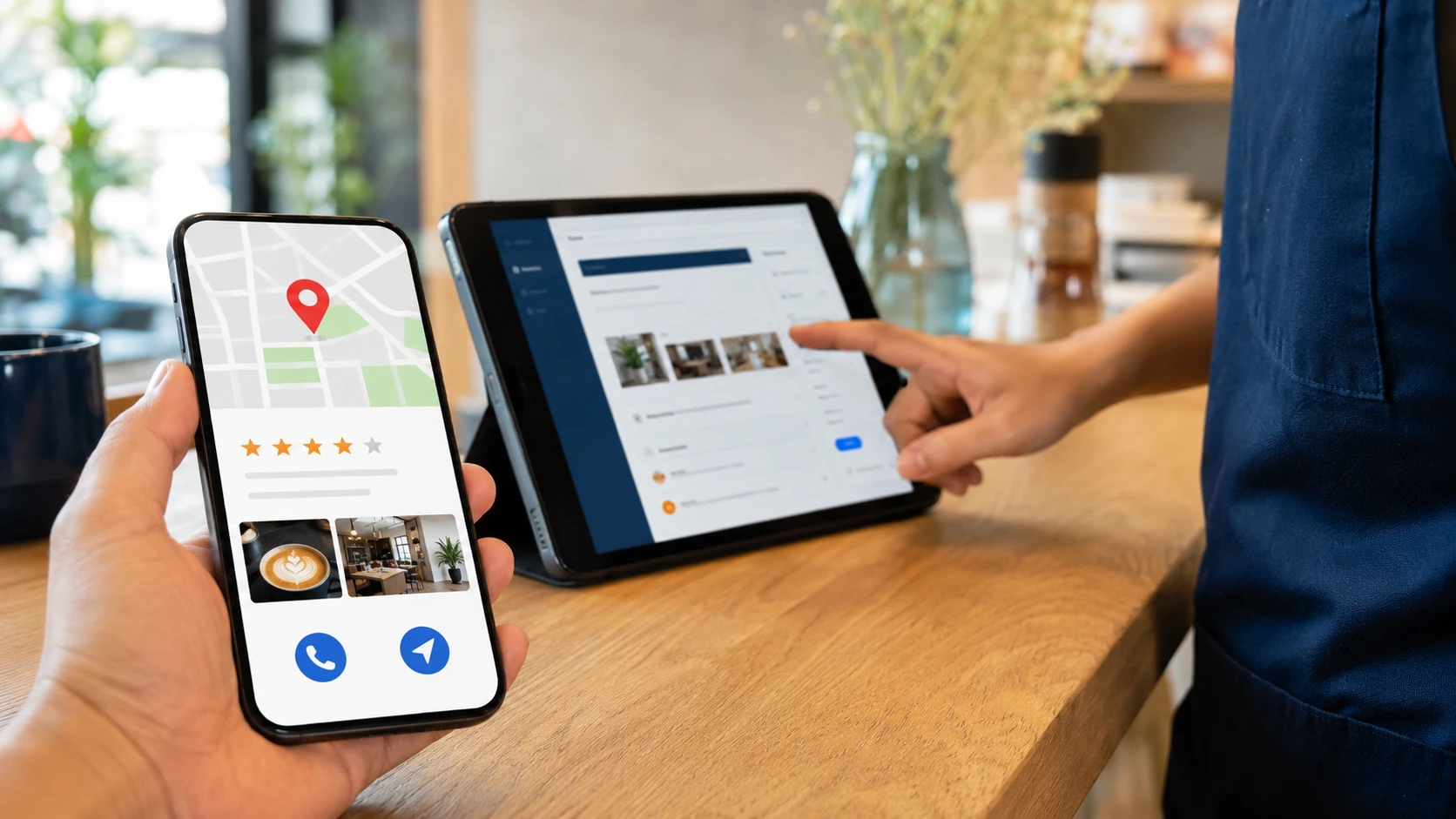
Use an Accurate Business Name and Category
The business name should match real-world branding. Adding keywords, cities, or services that are not part of the actual name can violate Google guidelines.
Choose the primary category that best describes the main business activity. Add relevant secondary categories when they represent services the business actually provides. Categories can influence which local searches trigger the listing.
Complete Every Relevant Business Detail
Add the correct address or service area, phone number, website, hours, appointment link, services, products, and business description. Review holiday hours before major dates so customers do not arrive when the business is closed.
Information should remain consistent with the website and other trusted directories. Small variations are less important than giving customers accurate details everywhere.
Build Strong Service and Location Pages
The profile should link to the most relevant page on the website. A local business with several locations may need a useful page for each office or service area. Avoid creating thin pages that only swap city names.
Each landing page should explain the service, location, contact options, hours, and information a local customer needs. MWD Web Design offers SEO services that connect profile optimization with the website.
Add Helpful Photos and Updates
Use clear photos of the exterior, interior, team, work, products, and other details customers may want to see. Replace outdated images and avoid relying only on stock photography.
Google Posts can highlight useful updates, seasonal information, services, and events. Keep the message direct and send visitors to a relevant page.
Earn and Respond to Reviews
Ask real customers for honest feedback without offering incentives that violate platform rules. A steady pattern of detailed reviews can help future customers understand what the business does well.
Respond professionally to both positive and negative feedback. Do not reveal private customer information. A calm response can show how the business handles concerns.
Keep Questions and Answers Accurate
Customers can submit questions on a profile. Monitor this area and answer clearly. Correct misinformation when possible and make sure common questions are also addressed on the website.
Track Local Search Performance
Review calls, website clicks, direction requests, messages, search terms, and visibility by location. Profile metrics can change, so combine them with website analytics and call tracking.
Monitor local rankings from more than one point in the service area. A business may appear strongly near its address and much lower several miles away.
Keep the Profile Compliant
Google may edit listing details or suspend profiles that violate guidelines. Avoid virtual offices that are not staffed, duplicate listings, keyword-stuffed names, misleading categories, and addresses where customers are not served.
Review suggested edits and user changes. Keep documents showing the business name, location, and eligibility in case verification is requested again.
Connect Profile Insights With Lead Quality
A rise in calls or clicks is useful only when it reaches the right audience. Ask how customers found the business, review call outcomes, and connect forms or bookings with source data.
Use findings to improve profile services, website landing pages, and common questions. Local optimization works best as a feedback loop rather than a one-time listing setup.
Frequently Asked Questions
How Often Should a Google Business Profile Be Updated?
Review core information monthly and whenever hours, services, contact details, or locations change. Add fresh photos and useful updates as the business has something meaningful to share.
Does Posting More Often Guarantee Better Rankings?
No. Posts can support customer engagement, but relevance, proximity, prominence, reviews, website quality, and accurate profile information also affect local visibility.
Can a Service-Area Business Hide Its Address?
Yes, when the business travels to customers and does not serve them at its address. The profile should follow Google eligibility and service-area guidelines.
Make the Profile Useful for Real Customers
The strongest local listings are complete, accurate, and easy to act on. Treat the profile as an active customer touchpoint, connect it to useful website pages, and review performance regularly.
About the Author
Patrick Mabarak is a seasoned digital marketing strategist and web design expert with over a decade of experience helping businesses enhance their online presence. Patrick specializes in integrating SEO best practices with user centered design to create websites that perform well in both search rankings and user engagement.
Learn more at patrickmabarak.com
