
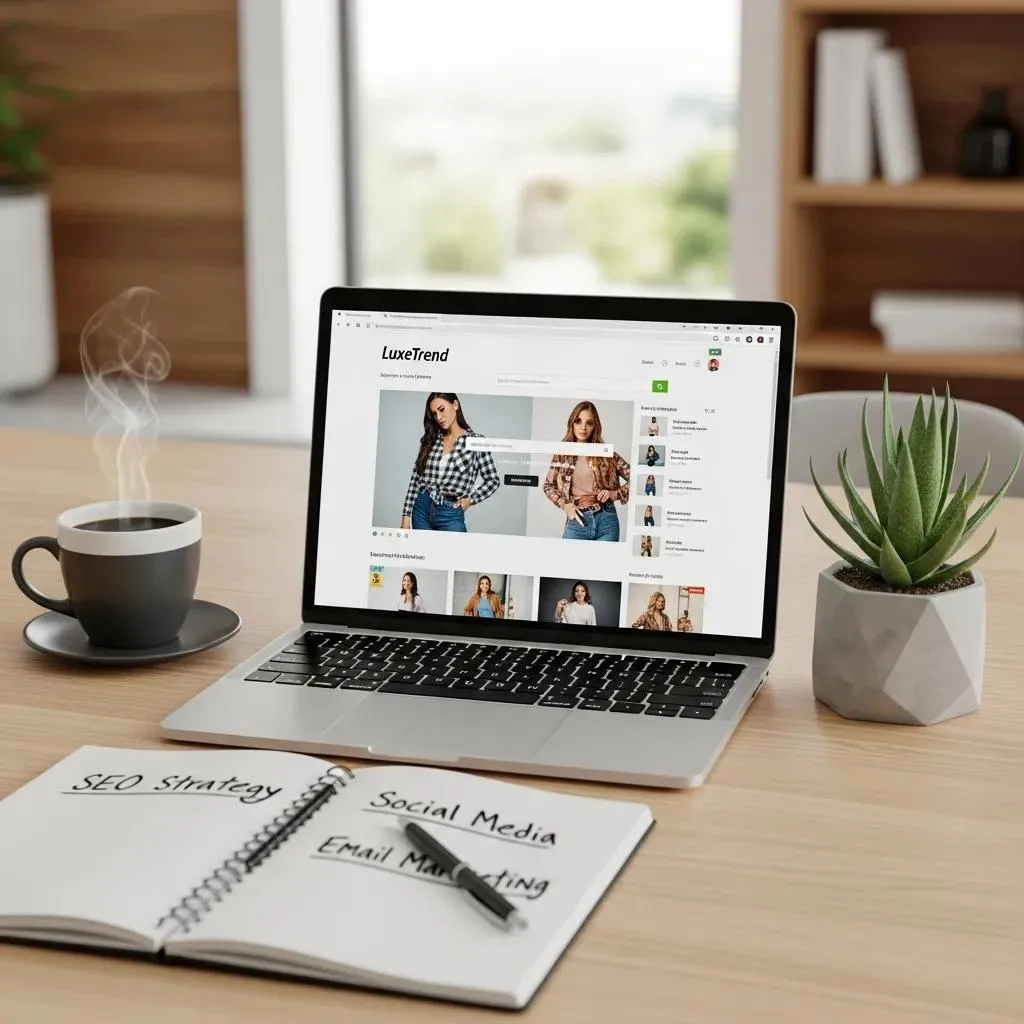
Improve Shopify store visibility with a focused plan
Shopify store visibility starts with helping the right shoppers find the right pages. Clear product information, useful collections, and a reliable shopping experience all support that goal. However, more visits alone do not tell you whether your work helps the business. Track the searches that bring people in and the actions they take next.
First, choose a small group of important products or collections. Then review their content and navigation before making changes across the whole store. This approach gives you a manageable starting point. In addition, it helps you record what changed and compare results over time.
Match pages to customer questions
Start by listing the terms customers use to describe your products. For example, a shopper searching for a linen tablecloth may also care about size, washing instructions, and color. Build the page around those needs. Then use a clear product name and explain the details that help someone decide.
Next, group related search terms by intent. A person comparing materials needs different information from someone ready to buy a specific item. Therefore, give buying guides, collection pages, and product pages distinct jobs. Avoid creating several nearly identical pages to target slight variations of the same phrase.
Finally, review the language in customer questions and on-site searches. These can reveal missing details. Use those insights to improve Shopify store visibility while keeping the writing useful and natural.
Make product pages useful before adding keywords
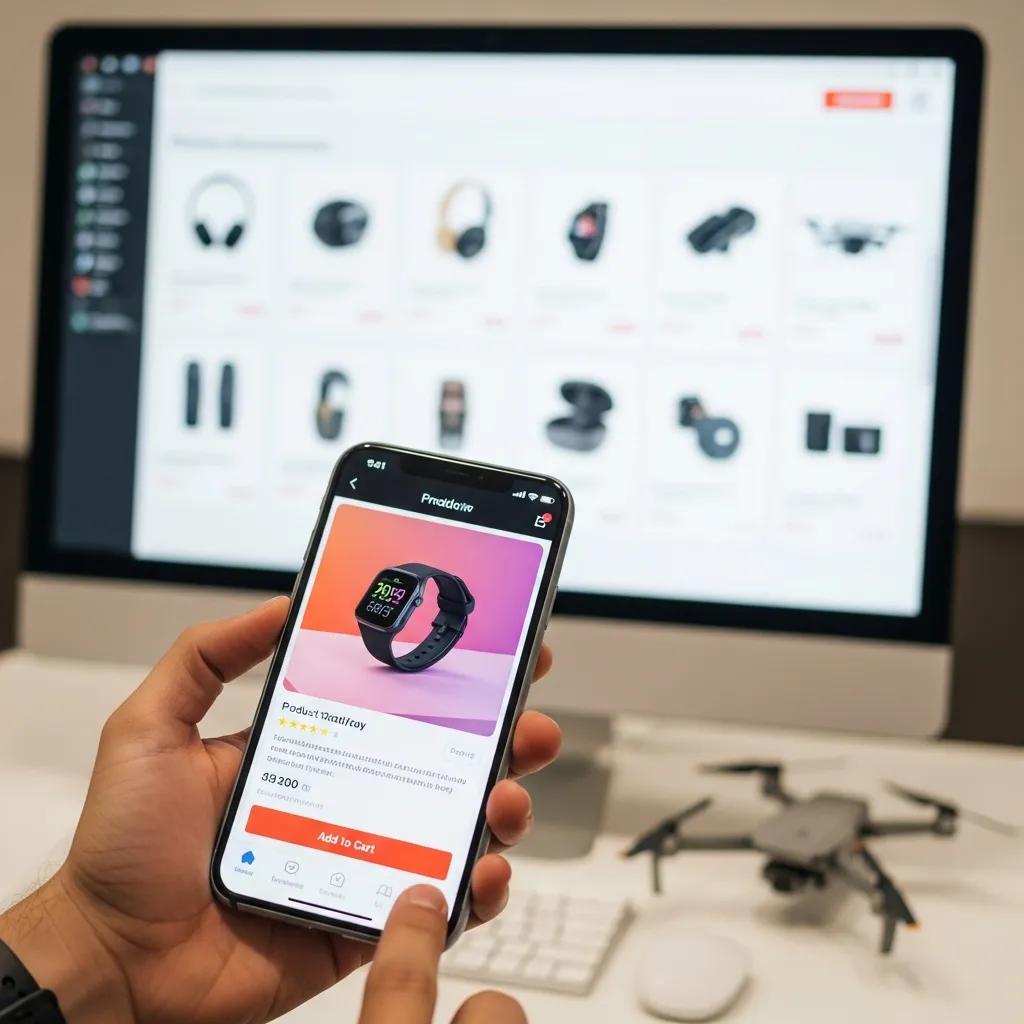
Each product page should explain what the item is, who it suits, and what buyers need to know. First, replace copied supplier text with accurate details about the actual product. Then check dimensions, materials, options, and care instructions against your records. Do not add benefits you cannot support.
For example, show a size chart when fit matters. Also explain what comes in the package and where shoppers can find delivery and return information. These details reduce uncertainty. However, avoid promising that any single page change will produce more sales.
Use clear images and descriptive alt text that reflects what each image shows. In addition, link to genuinely related products and collections. This gives shoppers a useful next step without overwhelming them with unrelated choices.
Strengthen Shopify store visibility through navigation
Organize collections around how customers shop. For example, product type, intended use, or material may provide a helpful starting point. Keep menu labels short and familiar. Then check that important collections are reachable through normal navigation.
Next, read collection introductions as if you were a new customer. Explain what belongs in the collection and how to compare the options. Also link from relevant guides to the products they discuss. Together, these connections help people explore the store.
Give each important page a distinct title and an accurate meta description. However, avoid repeating the same wording across every collection. A clear summary should set expectations for that specific page. It should also match the content visitors see after clicking.
Check the shopping experience on a phone
Open a collection and follow the path to a product on a phone. First, test menus, filters, image galleries, and product options. Then check whether text remains readable and buttons are easy to use. Also confirm that promotional overlays do not hide essential controls.
For example, a shopper should be able to select a size without losing the product details. If something fails, record the page, device, and steps needed to reproduce it. This makes the issue easier to fix. Afterward, repeat the same task to confirm the repair.
Review slow pages and broken links as part of this process. In addition, check changes made by themes and apps. Useful Shopify store visibility work includes maintaining the experience people reach from search.
Publish guides that answer real buying questions

Choose guide topics from questions your team already receives. For example, explain how to compare two materials or choose a suitable product size. Give a direct answer first. Then add examples, limitations, and links that help readers act on the advice.
Also review existing articles before adding another guide. Update a useful page when it already answers the same question. This avoids repetitive content and gives your team fewer pages to maintain. Finally, remove incomplete quotations and claims that lack a reliable source.
Relevant partnerships can help people discover useful guides. However, avoid buying links or adding promotional replies to unrelated discussions. Focus on resources people would want to share because they solve a real problem.
Measure Shopify store visibility and decide what to fix next
Record a baseline before you edit. First, note organic visits, relevant search queries, and purchases associated with organic traffic where your reporting supports them. Then compare similar periods and account for promotions, seasonality, and stock changes. A traffic increase alone does not prove that SEO caused more revenue.
Next, review pages that attract visits but leave shoppers with unanswered questions. For example, improve a confusing description or repair a broken collection link. Also record the date and purpose of each change. This makes future reviews more useful.
If you need help prioritizing the work, review MWD Web Design’s digital marketing services. Bring a list of affected pages and business goals. Ask for clear deliverables, reporting, and an explanation of the proposed changes.
About the author
Patrick Mabarak writes about web design and digital marketing. Learn more at patrickmabarak.com.
