

A website redesign can improve how a business looks online, but appearance is only one part of the project. Changes to URLs, navigation, page content, internal links, and code can also affect search rankings and the way visitors use the site. A clear website redesign SEO plan helps protect existing visibility while creating a faster and easier experience.
This checklist covers the work that should happen before, during, and after a redesign. It can help business owners and project teams avoid common problems such as broken links, missing pages, lost metadata, slow load times, and confusing navigation.
Why SEO Should Be Part of a Website Redesign
Search engines build an understanding of a website over time. They learn which pages exist, how those pages connect, and what each URL is about. A redesign can change those signals quickly. If important URLs disappear or useful content is removed without a plan, rankings and organic traffic may fall after launch.
SEO should be included from the beginning, not added after the new website is finished. Early planning gives designers, developers, writers, and marketers a shared map for the project. It also makes it easier to improve usability without losing the value the current website has already earned.
Website Redesign SEO Checklist Before Development
Record Current Performance
Start with a baseline. Record organic traffic, keyword rankings, conversions, top landing pages, backlinks, and page speed. This information shows which parts of the current website are working and provides a comparison point after launch.
Pay close attention to pages that bring in qualified traffic or leads. Those pages should not be removed or heavily changed without a clear reason. A professional SEO audit can help uncover technical issues and identify pages that deserve special attention during the redesign.
Create a Complete URL Inventory
Export every indexable URL from the existing website, including pages, blog posts, categories, and important files. For each URL, decide whether it will remain unchanged, move to a new address, be combined with another page, or be removed.
Keeping strong URLs is usually the safest choice. When a URL must change, map the old address to the most relevant new page with a permanent 301 redirect. Avoid sending every removed page to the homepage because that often creates a poor experience and weakens relevance.
Review Content Before Moving It
A redesign is a good time to improve thin, outdated, or repetitive content. It is not a reason to remove useful information simply because it does not fit the first design draft. Review each important page for search intent, accuracy, readability, internal links, and a clear next step.
Keep the primary topic of a ranking page consistent unless keyword research supports a better direction. Major changes to the design, URL, headings, and topic at the same time make it harder to identify the cause if performance drops.
Improve User Experience Without Harming Search Visibility
Simplify Navigation and Site Structure
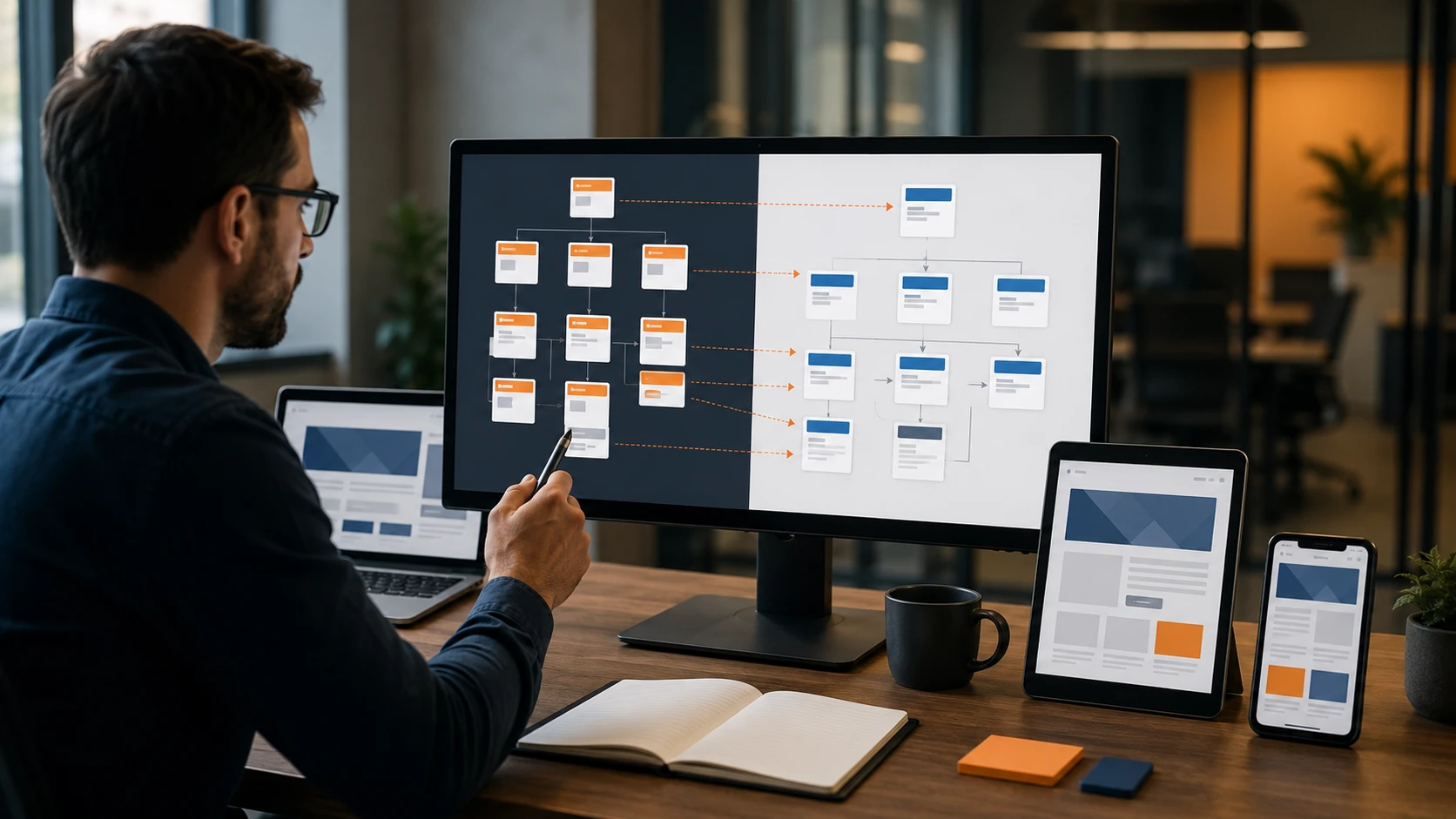
Navigation should help visitors understand where they are and what to do next. Use short menu labels, group related services, and keep important pages within a few clicks of the homepage. Breadcrumbs can provide another useful path for visitors and search engines.
Review internal links as the structure changes. Links from relevant service pages and articles help visitors continue their research while showing search engines how topics relate. Update links that point to redirected or removed URLs whenever possible.
Design for Mobile Visitors First
A responsive layout should do more than shrink desktop content. Buttons need enough space for touch, text should remain readable, forms should be easy to complete, and important information should appear without excessive scrolling. Testing on real phones and tablets can reveal problems that are easy to miss in a desktop preview.
Google uses the mobile version of a page for indexing, so mobile content should match the useful information available on desktop. MWD Web Design offers responsive web design services for businesses that need a consistent experience across devices.
Include Accessibility in the Design
Clear color contrast, visible keyboard focus, descriptive link text, image alt text, form labels, and logical headings make a website easier to use. These improvements support people with different abilities and often make the experience clearer for everyone.
Technical SEO Checks During the Redesign
Protect Titles, Descriptions, and Headings
Each important page should have one clear H1, followed by H2 sections and H3 subsections where needed. Headings should describe the content rather than exist only for visual styling. Preserve strong SEO titles and meta descriptions, then improve them when keyword research or search intent supports a change.
Improve Speed and Core Web Vitals
Large images, unused scripts, heavy page builders, and too many third-party tools can slow a redesigned website. Compress images, use modern file formats, limit unnecessary plugins, and load noncritical resources carefully. Test important templates on both mobile and desktop before launch.
Check Indexing and Canonical Tags
Development websites should normally be blocked from search results. That setting must be removed when the new site launches. Confirm that live pages do not carry an accidental noindex tag and that canonical tags point to the correct public URLs.
Also review XML sitemaps, robots.txt rules, structured data, pagination, and any language or location settings. Small technical errors can affect many pages at once when they are built into a shared template.
Website Redesign Launch Checklist
- Test every mapped 301 redirect.
- Crawl the new website for broken links and server errors.
- Confirm titles, meta descriptions, headings, canonicals, and index settings.
- Submit the new XML sitemap in Google Search Console.
- Verify analytics, form tracking, phone tracking, and conversion events.
- Test navigation, forms, search, and checkout functions on common devices.
- Check page speed and layout stability on key templates.
A launch should not be the first time the full website is tested. Complete these checks on a staging version, then repeat the most important tests immediately after the public site goes live.
What to Monitor After Launch
Watch Google Search Console, analytics, keyword rankings, and conversion tracking closely during the first several weeks. Some fluctuation is normal while search engines recrawl changed pages, but sharp drops or widespread errors should be investigated quickly.
Compare results with the baseline recorded before development. Look for changes in indexed pages, impressions, clicks, rankings, traffic, leads, and sales. Check server logs and crawl reports for old URLs that were missed in the redirect map.
Frequently Asked Questions
Can a Website Redesign Hurt SEO?
Yes. Rankings can decline when valuable content is removed, URLs change without redirects, internal links break, or technical settings block indexing. Careful planning and testing reduce these risks.
Should Every URL Stay the Same?
No. Keeping useful URLs can protect continuity, but outdated or confusing URLs may be changed when there is a good reason. Each changed address should have a relevant redirect and all internal links should be updated.
When Should SEO Work Begin?
SEO planning should begin during discovery, before design and development decisions are final. Early involvement makes it easier to protect content, organize navigation, plan redirects, and build technical requirements into the project.
Plan the Redesign Around Users and Search
A successful redesign should make the website easier to use while protecting the search visibility the business has earned. That requires more than a new look. It takes a clear content plan, careful URL mapping, responsive design, technical testing, and monitoring after launch.
MWD Web Design provides website redesign services that bring design, development, user experience, and SEO planning together. Contact our team to discuss an outdated website and the goals for its next version.
About the Author
Patrick Mabarak is a seasoned digital marketing strategist and web design expert with over a decade of experience helping businesses enhance their online presence. Patrick specializes in integrating SEO best practices with user centered design to create websites that perform well in both search rankings and user engagement.
Learn more at patrickmabarak.com
